


PM166S Power Mount with LED Display for Starlink Mini
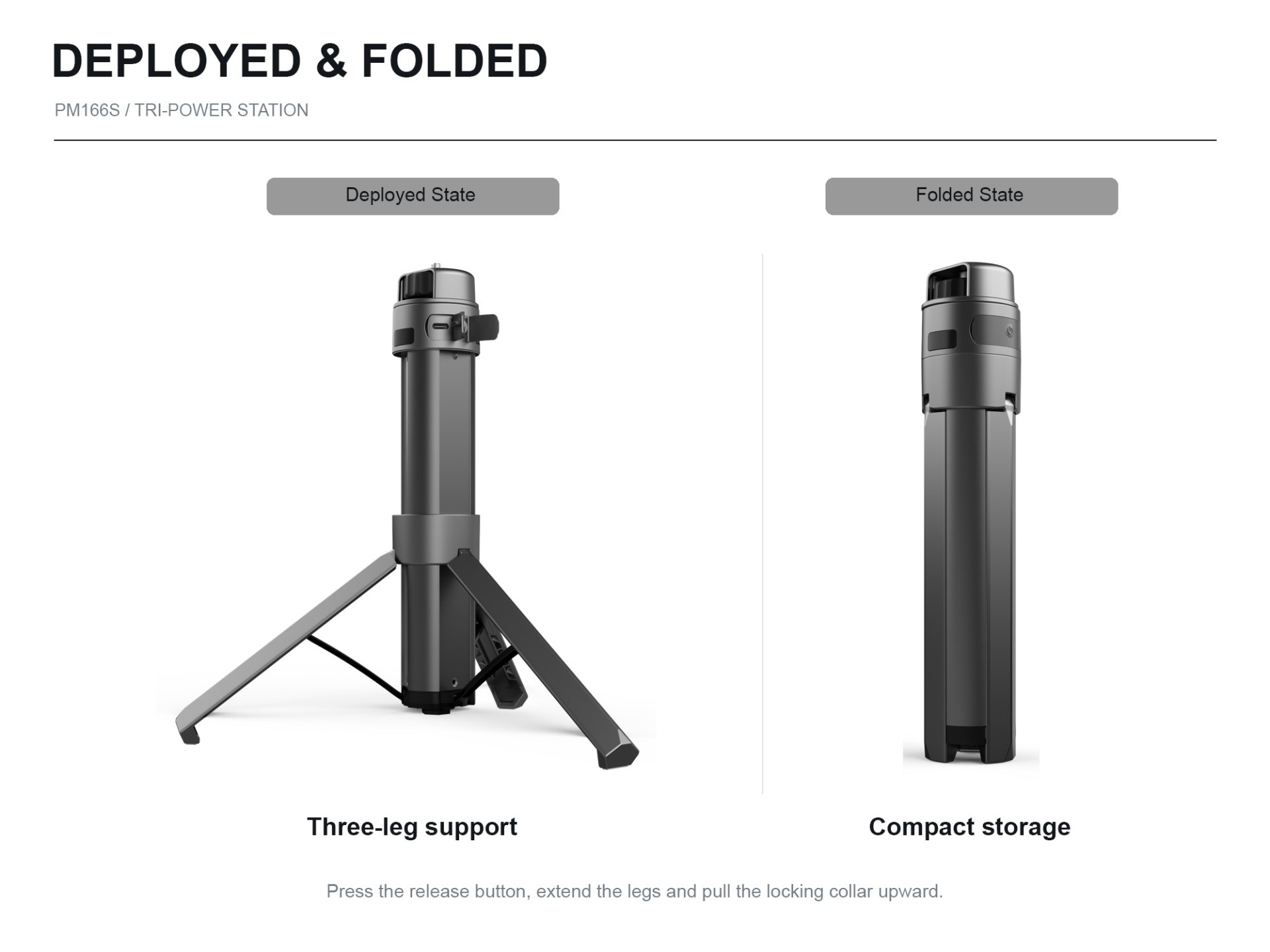
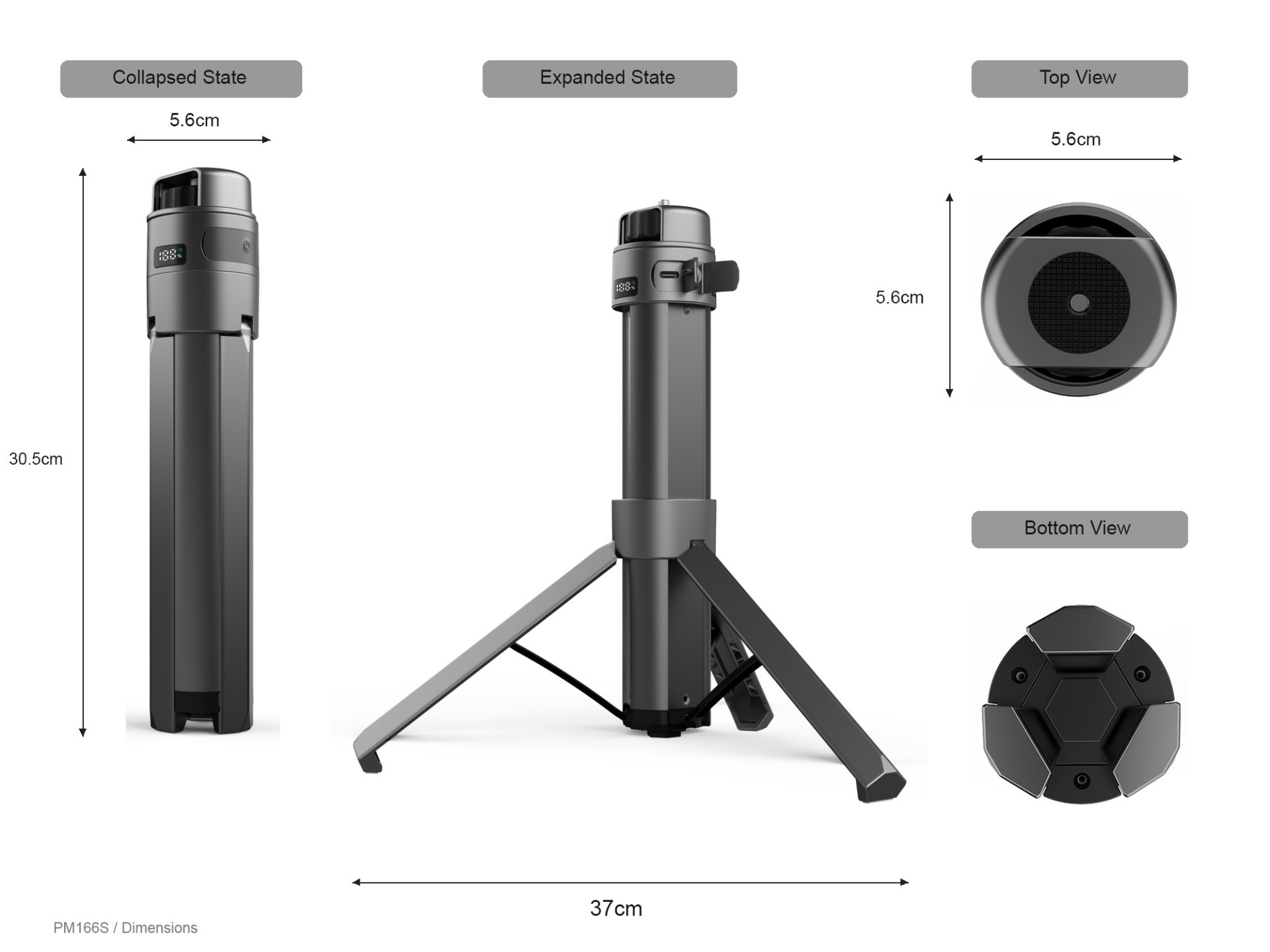
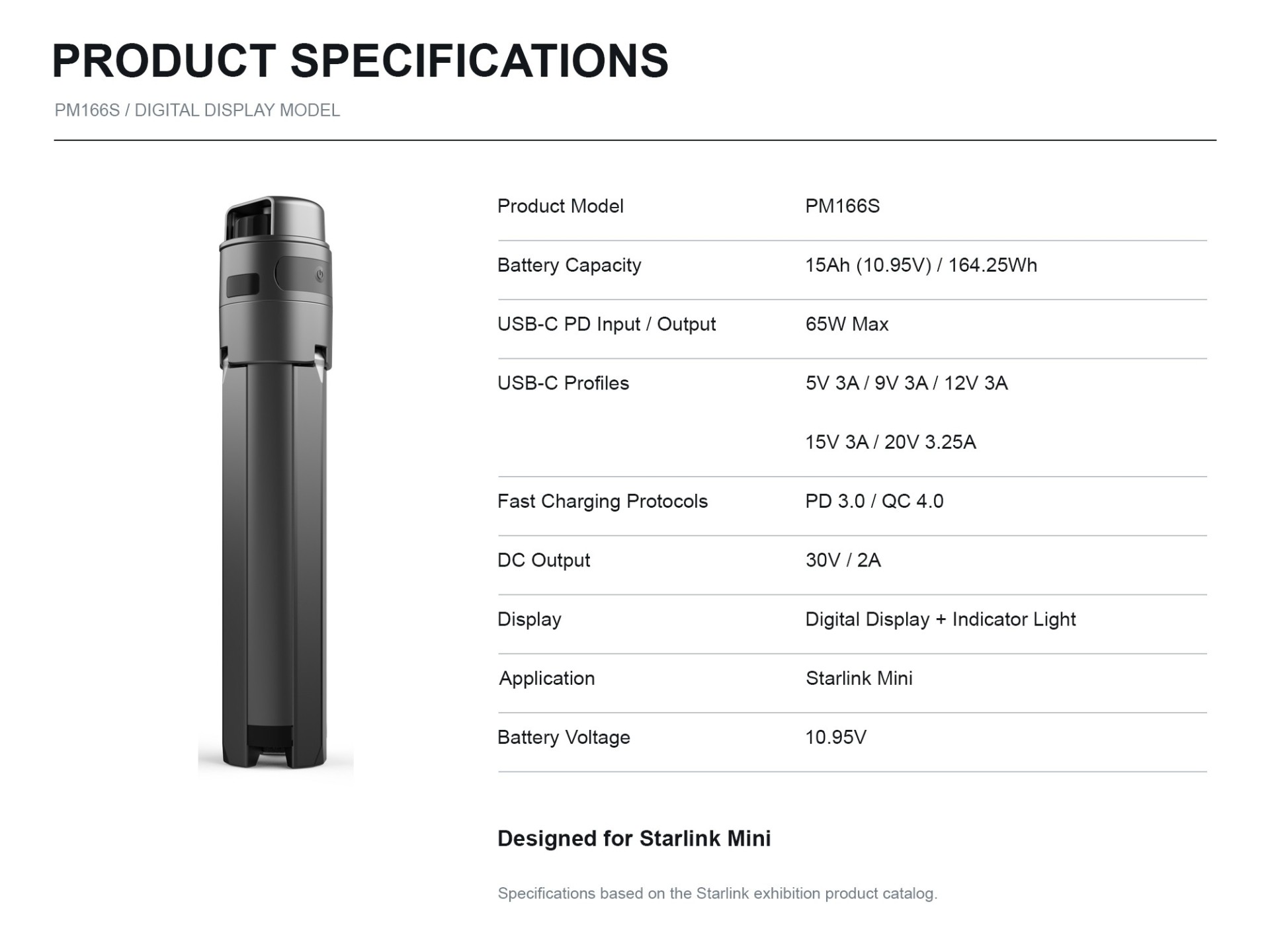
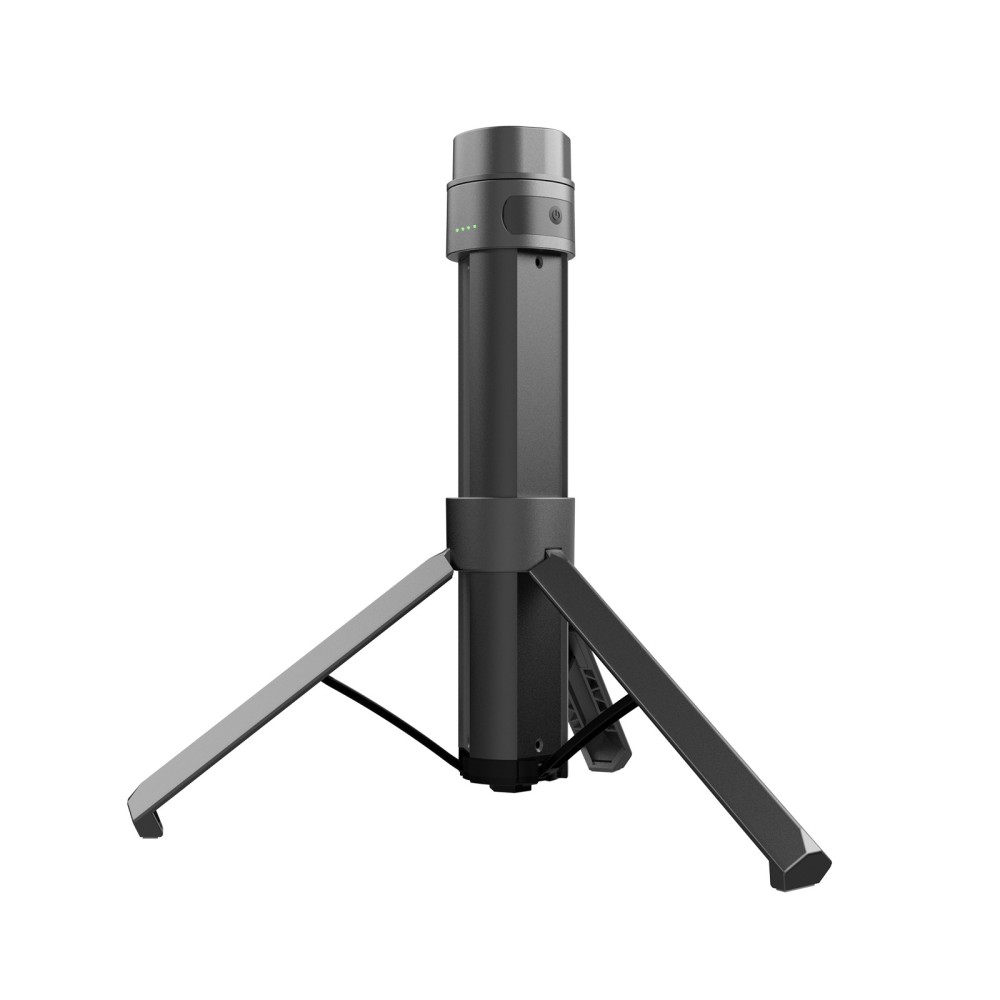
PM166S Power Mount with LED Display
Portable Power. Stable Support. Smarter Connectivity.
The PM166S combines a portable power bank and tripod mounting solution into one integrated design for Starlink Mini. Featuring a 164.25Wh battery, an LED digital display, and 65W USB-C PD input and output, it offers a practical solution for portable connectivity and outdoor use.
Key Features
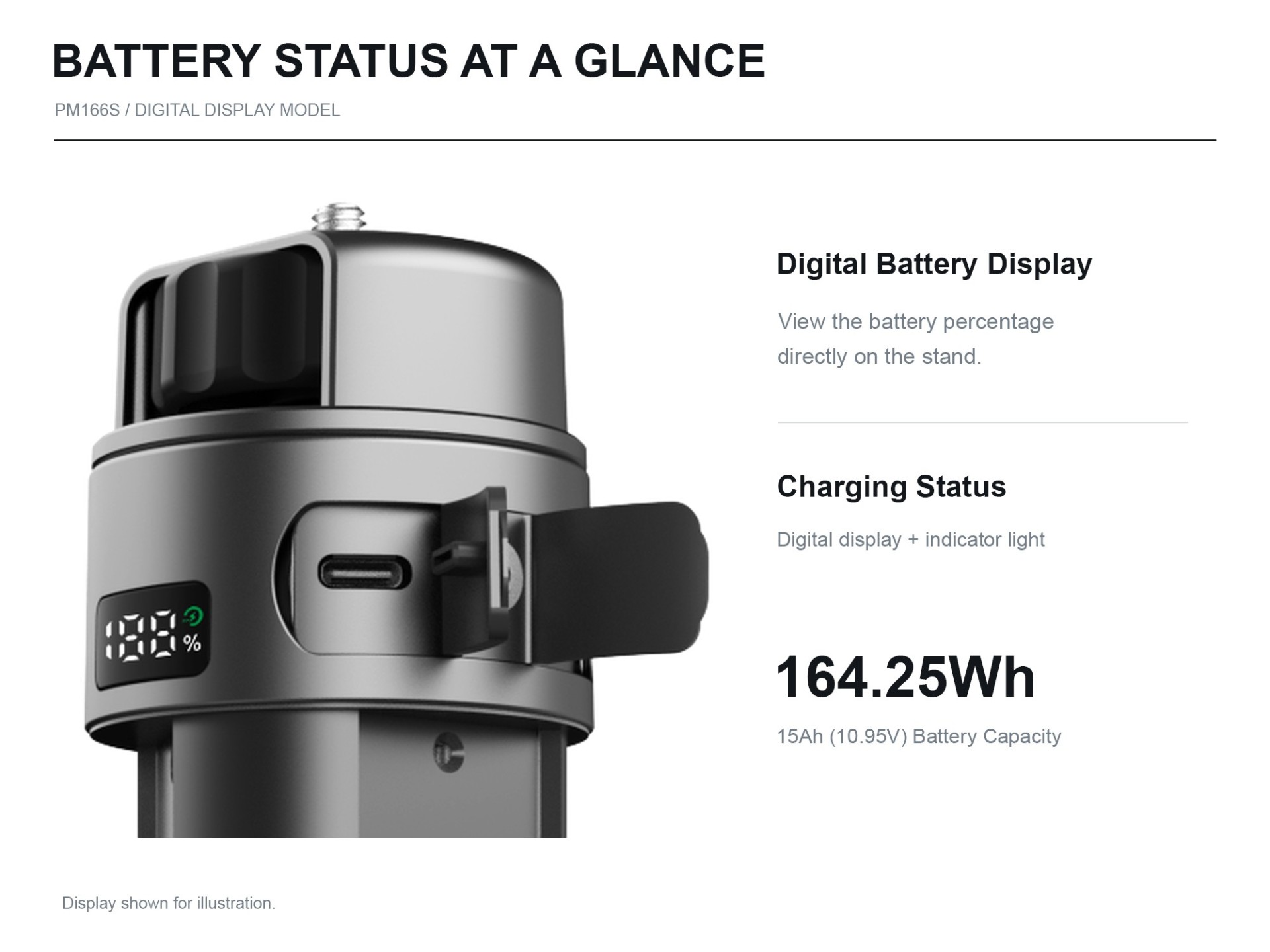
164.25Wh Battery Capacity
Equipped with a 164.25Wh battery (15Ah / 10.95V), providing an integrated portable power source for compatible devices.
LED Digital Display
Features an integrated digital display for convenient battery status monitoring.
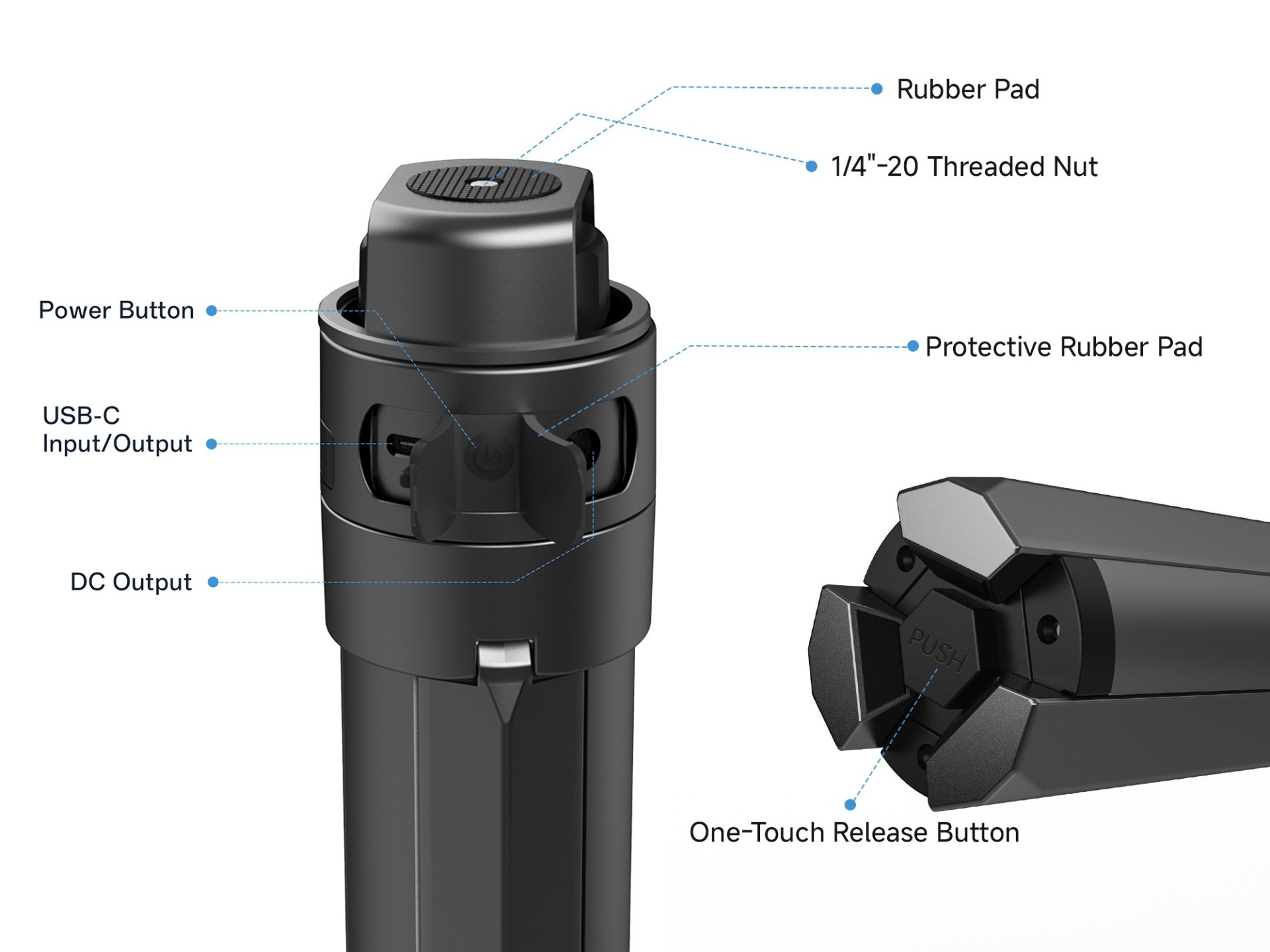
65W USB-C PD Input & Output
Supports USB-C PD input and output up to 65W, offering flexible charging and power connectivity.
Dedicated DC Output
Provides a 30V/2A DC output designed for Starlink Mini power applications.
Integrated Tripod Design
Combines a portable power supply with a tripod support structure, helping reduce the need for separate mounting and power equipment.
PD3.0 / QC4.0 Fast Charging
Supports PD3.0 and QC4.0 fast-charging protocols, with a maximum supported power of 65W.
Technical Specifications
| Specification | Details |
|---|---|
| Model | PM166S |
| Product Type | Power Mount with LED Display |
| Compatibility | Starlink Mini |
| Battery Capacity | 164.25Wh |
| Rated Battery | 15Ah / 10.95V DC |
| USB-C PD Input & Output | 5V/3A, 9V/3A, 12V/3A, 15V/3A, 20V/3.25A |
| Maximum USB-C Power | 65W |
| DC Output | 30V/2A |
| Fast Charging Protocols | PD3.0 / QC4.0 |
| Display Type | LED Digital Display |
Applications
Designed for portable Starlink Mini setups, including outdoor workstations, temporary installations, and mobile connectivity applications.
Important Note
Please ensure that all connected devices meet the specified voltage, current, and connector requirements before use.
Leave Your Message
Products categories
-
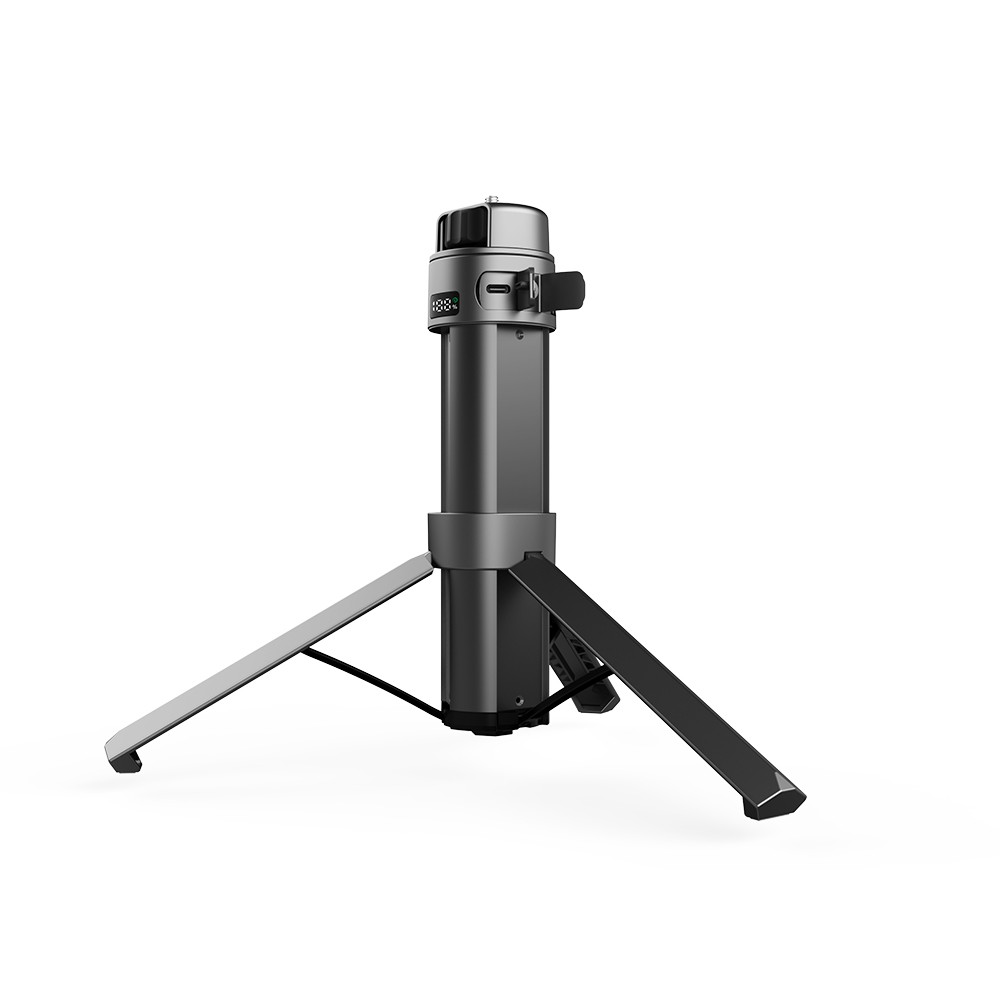
PM99 99.9Wh Power Mount With Digital Display for Starlink Mini
-
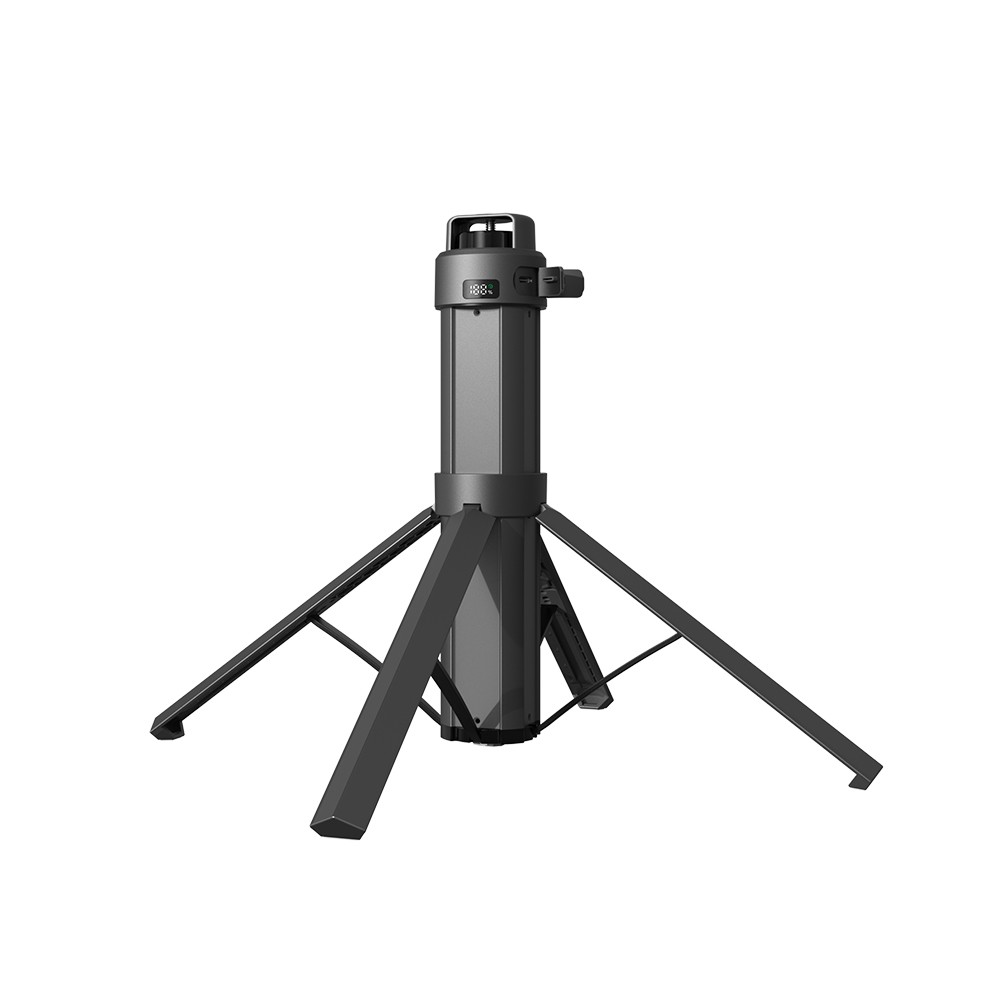
PM219 219Wh Power Mount With Digital Display for Starlink Mini
-
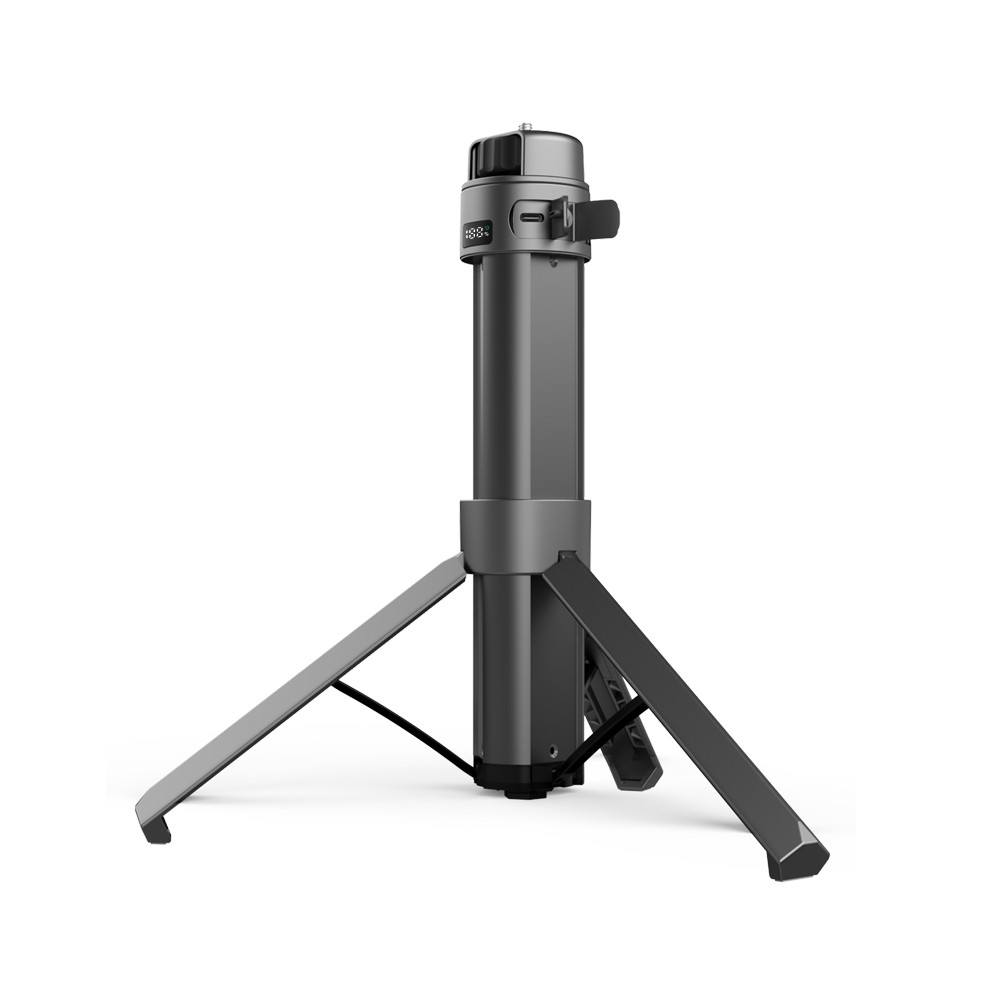
PM166S Power Mount with LED Display for Starlink Mini
-
PM166S All-in-One Mount & Power Bank - Light Indicators
-
PM99 All-in-One Mount & Power Bank — Light Indicators